

For years, onboarding a new client meant the same tedious ritual: chase down a signed contract, manually build a folder, copy-paste a welcome email, schedule a kickoff call, then follow up (again, and again 😅) when someone forgot to fill out the intake form. It worked, technically. But it ate 6 to 8 hours per client, and none of that time went toward actual client work. This year I finally rebuilt the whole process with AI doing the grunt work, and I think it’s the single highest-leverage change I’ve made to how I run my business. 🚀
The old way was quietly bleeding my week
I didn’t realize how much time onboarding cost until I started tracking it. Every new client triggered the same six or seven manual tasks: sending a welcome sequence, building a project folder, setting up a shared doc, scheduling the kickoff, and nagging people for missing paperwork. None of it required judgment. All of it required my attention.
This isn’t just a me problem. Customer success teams report spending 40-60% of their time on onboarding tasks that could be automated entirely, according to research cited by Trupeer’s 2026 client onboarding guide. And the cost isn’t only hours. Slow, inconsistent onboarding is one of the fastest ways to lose a client before they’ve even seen results. Automated onboarding processes are linked to a 15% drop in customer churn compared to manual approaches, per the same research.
Manually creating folders, docs, and contracts for every client
Writing the same welcome email with minor tweaks each time
Chasing intake forms via email, then Slack, then a phone call
Scheduling kickoff calls back and forth instead of using a booking link
Forgetting a step because I was juggling five other things
The stack that actually replaced my manual work
I didn’t need enterprise software. I needed three things talking to each other: a form, an automation layer, and an AI assistant that could handle language, not just logic.
Intake form (Tally or Typeform) — collects contract details, brand assets, and goals the moment a client signs
Zapier — the connective tissue; it watches for the form submission and fires off everything else. Zapier’s automation platform now includes an AI Copilot that builds multi-step workflows from a plain-English description, which cut my setup time from an afternoon to about 20 minutes
HubSpot (free tier works fine at small scale) — moves the client into a visible onboarding pipeline and triggers the welcome sequence automatically
An AI writing assistant — drafts the personalized welcome email and first-week check-in based on what the client entered in the intake form
The pattern worth stealing here isn’t the specific tools. It’s the shape of the system: one trigger (signed contract), one automation layer, and AI handling anything that needs actual language rather than a simple if-this-then-that rule. 🧩
Building the workflow, step by step
Here’s roughly what fires the moment a client signs, with zero manual input from me:
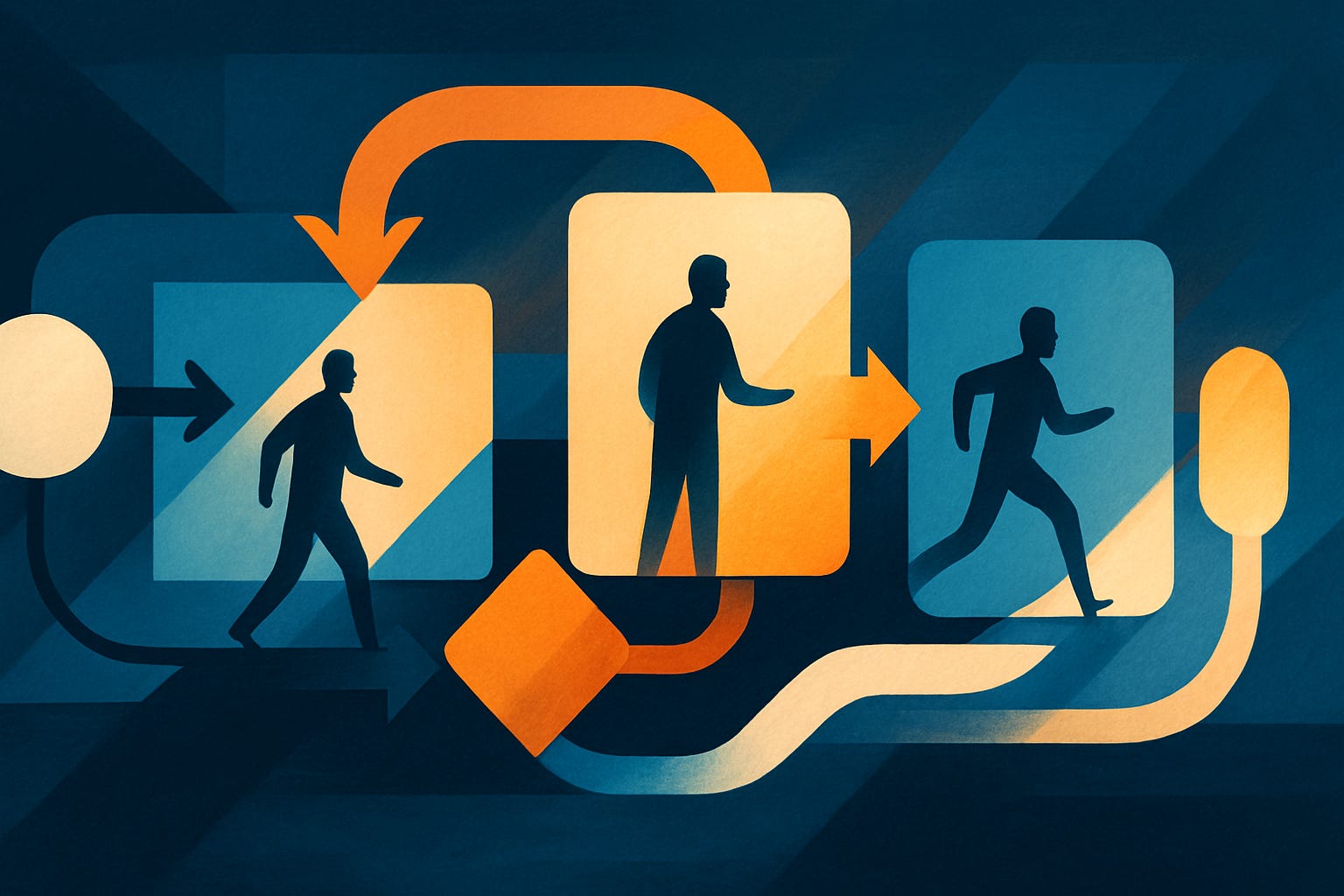
1. Client signs contract → intake form link sent automatically 2. Form submission → Zapier creates the project folder and shared doc from a template 3. Same trigger → HubSpot logs the client and starts the onboarding pipeline 4. AI drafts a welcome email personalized with the client’s specific goals from the form, which I skim and send in under a minute 5. A booking link goes out for the kickoff call, no back-and-forth required 6. Day 3 and day 7 check-ins fire automatically if a task hasn’t been completed
None of this is exotic. The AI onboarding market has genuinely matured past chatbot gimmicks, and even platforms built for enterprises, like the ones profiled in Enboarder’s 2026 onboarding tools breakdown, are converging on this same principle: personalize the experience, automate the plumbing, keep a human reviewing anything that actually needs judgment.
That last part matters more than people admit. AI shouldn’t run the whole show unsupervised. One analysis found that only about 6% of organizations using AI in operations qualify as genuine “high performers,” per Moxo’s review of AI onboarding platforms — the gap between the AI marketing pitch and the actual result is real, and it usually comes down to skipping the human review step. I still read every AI-drafted email before it goes out. Takes 30 seconds. Worth it.
Where the 6 hours actually comes from
Broken down honestly, per client:
Folder and doc setup: 45 minutes saved
Welcome email drafting: 20 minutes saved
Scheduling back-and-forth: 30 minutes saved
Manual follow-ups and nagging: 90+ minutes saved (this was the real killer)
Pipeline tracking and status updates: 60 minutes saved
Multiply that across even three or four new clients a month, and the math gets to roughly six hours a week pretty fast, sometimes more depending on client volume. The bigger win, honestly, isn’t the raw hours. It’s that I stopped dropping steps. Nobody falls through the cracks now because a step got forgotten during a busy week. 📈
If you’re running a service business or agency and haven’t systemized this part yet, it’s probably the single easiest automation win available to you, and this is exactly the kind of topic the BizWhat Membership digs into properly, with a dedicated ebook and real implementation details. It pairs well with the broader systems-thinking covered in BizWhat’s breakdown of turning a skill into steady income, since onboarding automation is really just one piece of building a business that doesn’t need you glued to it every hour. 💡
What I’d do differently if I were starting today
A few honest notes for anyone building this from scratch:
Start with the form. Everything downstream depends on capturing the right data upfront
Don’t automate the kickoff call itself, only the scheduling of it. Clients still want a human moment early on
Review every AI-drafted message before it sends for at least the first month, until you trust the tone
Use the free tiers first. You don’t need HubSpot’s paid plan or Zapier’s premium tier to prove this works at small scale, a point echoed in BizWhat’s guide to starting with $0 in tools
So, if onboarding is still eating your Mondays: what’s the one manual step in your process that a form and an automation could replace this week?